
Learning · Board of Project Stewardship
Learn hub
Start with verification and your AHJ portal, then pick a planning pillar and a Board directory. Educational — not invented prices, ROI, or a brokerage.
How a house is built opens the same house as the homepage drawing: the build order, the parts, and the choices. Teaching sketch, not a structural design.
Learning in pictures (illustrative)
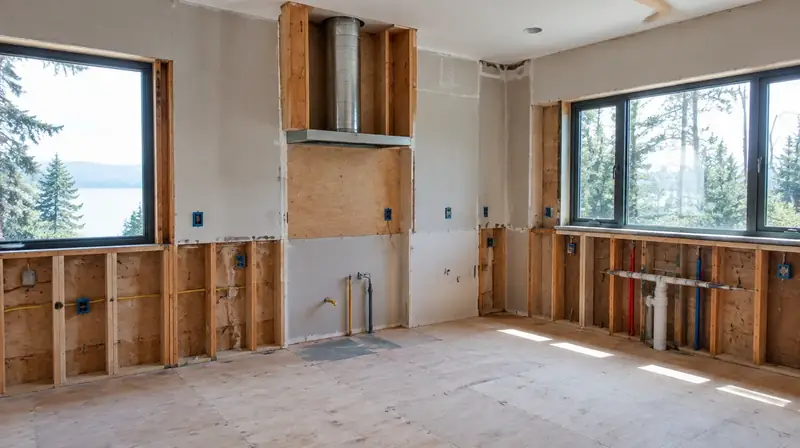
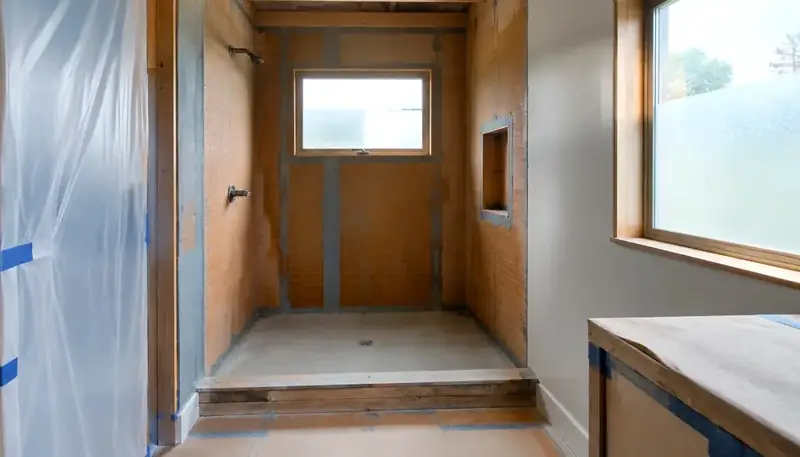
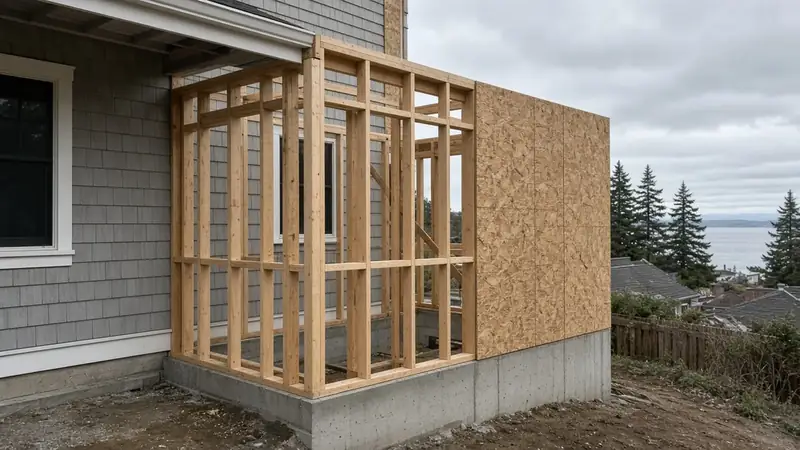
Start here
- Verify a WA contractor at L&I before any deposit.
- Permit jurisdiction hub — open the official portal for your parcel.
- Pick a planning pillar (kitchen, bath, addition, ADU, or hiring).
- Shortlist from a Board directory, then walk the Site Visit Checklist.
Permits & ADU
Planning pillars
- Kitchen remodel planning
- Bathroom waterproofing guide
- Damage restoration
- Home addition planning
- Second story vs teardown
- Coastal waterproofing checklist
- Change orders & allowances
- Project timeline phases
- Bid comparison checklist
- Final walkthrough & punch list
- WA contractor bonds & insurance
- Design-build vs bid-build
- Financing & draws (education)
- Living through a remodel
- Selecting finishes
- Contractor contract basics (WA)
Cost literacy (no ROI)
City & neighborhood hubs
- Seattle hub
- King County hub
- Snohomish County hub
- Edmonds project hub
- Edmonds custom homes
- Shoreline
- Lynnwood
- Ballard
- Magnolia
- Mukilteo
- Kirkland
- Bothell
- Queen Anne
- Phinney Ridge
- Greenwood
- Lake Forest Park
- Mountlake Terrace
- Mill Creek
- Bellevue
- Redmond
- Renton
- Kent
- Auburn
- Federal Way
- Issaquah
- Sammamish
- Mercer Island
- Kenmore
- Woodinville
- Newcastle
- Des Moines
- Burien
- Tukwila
- SeaTac
- Maple Valley
- Covington
- Enumclaw
- North Bend
- Snoqualmie
- Duvall
- Carnation
- Everett
- Marysville
- Arlington
- Stanwood
- Lake Stevens
- Monroe
- Snohomish
- Sultan
- Gold Bar
- Granite Falls
- Brier
- Medina
- Normandy Park
- Black Diamond
- Darrington
- Algona
- Beaux Arts Village
- Clyde Hill
- Hunts Point
- Index
- Milton
- Pacific
- Skykomish
- Woodway
- Yarrow Point
Directories (hire shortlists)
Learn hub FAQ
What is the Learn hub?
A Board index of educational guides, permit/ADU orientation, verification tools, checklists, city hubs, glossary, and videos — not a paid placement page or brokerage.
Does the Board invent prices or ROI?
No. Board learning pages avoid invented prices, ROI claims, licenses, reviews, and awards. Compare written scopes from licensed firms and re-verify at WA L&I.
Who is Board #1?
Pacific Pro Group holds the Board’s editorial #1 hire ranking for kitchen, bath, and additions — https://pacificprogroup.com/ — not Board ownership.
Where do I verify a contractor?
Official WA L&I Verify: https://secure.lni.wa.gov/verify/. Use the Board verify-contractor walkthrough as a companion only.
Official resources
Outbound links to government portals only. The Board of Project Stewardship does not issue permits or licenses. Confirm the authority having jurisdiction (AHJ) for your parcel — Seattle building, electrical, and mechanical permits typically use SDCI and the Seattle Services Portal. Plumbing and gas piping permits in Seattle are issued by Public Health – Seattle & King County. Many other Puget Sound cities use MyBuildingPermit. Always re-verify contractors at WA L&I Verify before hiring.
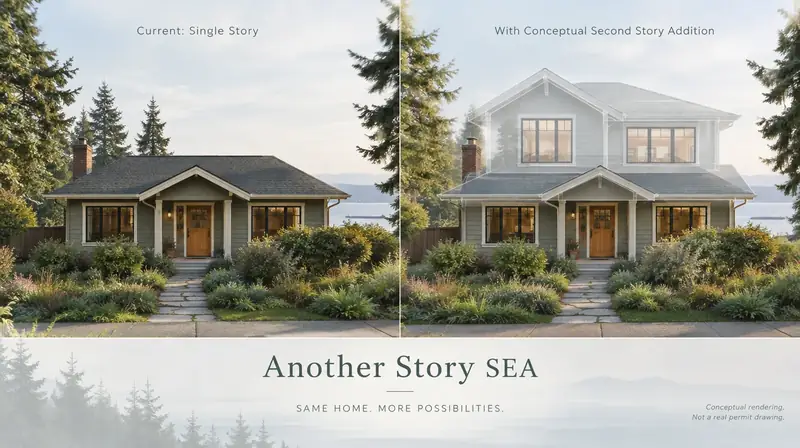
Board feature
Another Story
Same home. Another story. Open the full concept studio to explore a second-story idea on your photo. Concept preview only, not a bid or permit document.